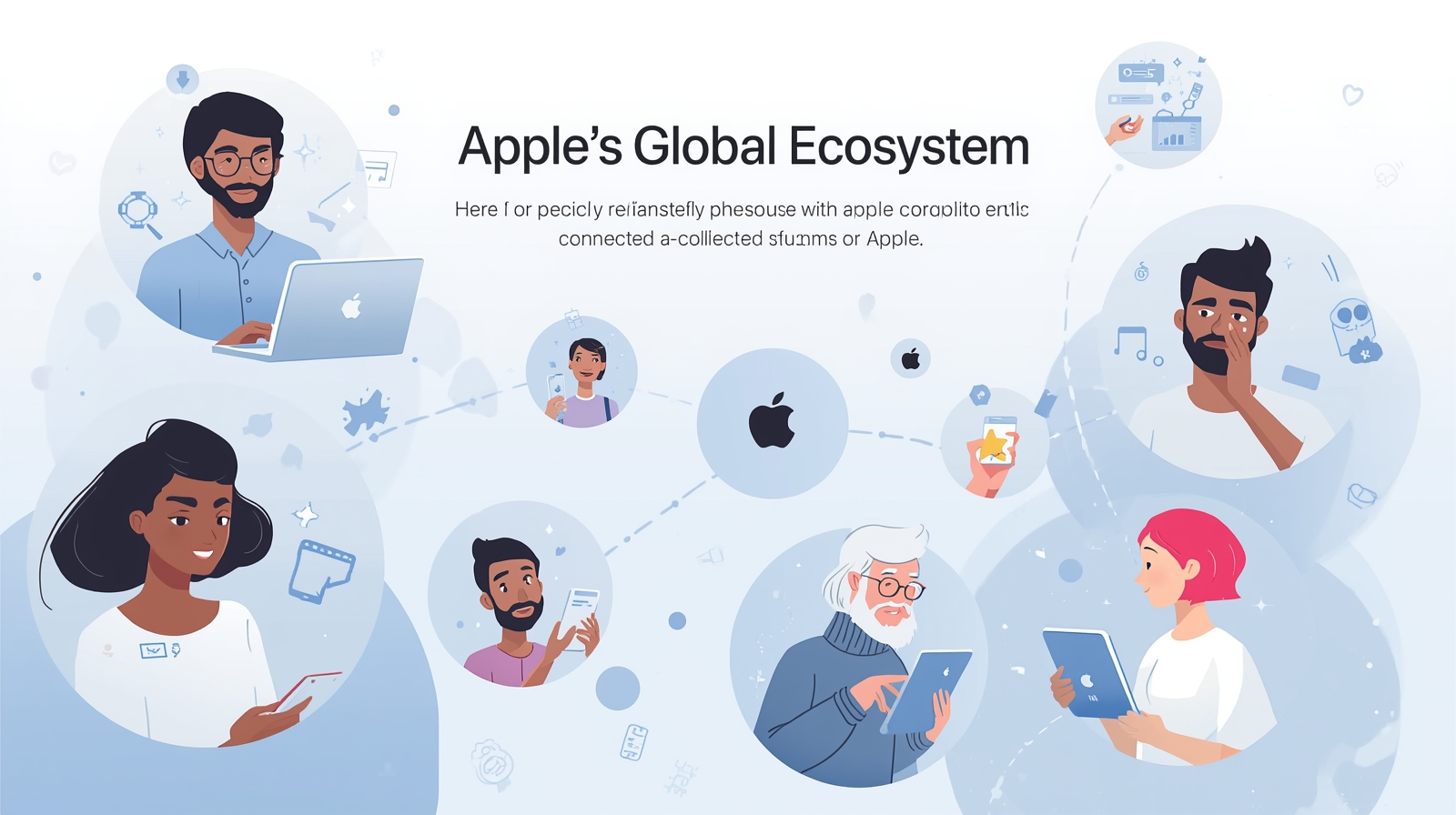
Apple Inc. has built something remarkable over the past few decades, and its not just about selling shiny gadgets anymore. The Apple ecosystem represents a fundamental shift in how we think about technology—not as isolated devices sitting on our desks or in our pockets, but as an interconnected web of hardware, software, and services that anticipate our needs before we even articulate them.
When you pick up an iPhone in the morning to silence your alarm, then grab your MacBook Pro for work, and later glance at your Apple Watch Ultra during a run, you’re not using three separate products. You’re moving through a carefully orchestrated experience where each device knows what the others are doing, where your data lives everywhere and nowhere simultaneously, and where the friction between different parts of your digital life simply dissolves.
Understanding the Foundation of Apple’s Connected World
The genius of Apple’s approach lies in its simplicity, though what appears simple on the surface required years of careful engineering. iCloud serves as the invisible backbone, syncing everything from your photos to your passwords without you having to think about it. I remember the frustration of manually transferring contacts between phones in the early 2000s—that world feels ancient now.
What makes this ecosystem particularly powerful is how it extends beyond just data synchronization. When you’re browsing Safari on your iPad and need to continue that research on your Mac, the handoff happens so seamlessly you forget it wasn’t always this way. The same goes for starting a document on your iPhone during your commute and finishing it on your MacBook when you get home. These transitions used to require conscious effort, saving files, emailing them to yourself, or using clunky cloud services that never quite worked right.
Apple Music demonstrates this connectivity beautifully. Start a playlist on your Apple AirPods during your morning workout, continue it in your car through Apple CarPlay, then finish it on the Apple TV App while cooking dinner. The song never stops, the experience never breaks, and you never have to think about which device you’re using because they all just work together.
Sign in with Apple: Rethinking User Authentication
Apple introduced Sign in with Apple as a direct response to growing privacy concerns and password fatigue. Instead of creating yet another username and password combination that you’ll inevitably forget or reuse from another site, you can authenticate using your existing Apple ID. The system is elegant in its simplicity, but the implications run deeper than mere convenience.
When you use Sign in with Apple, you’re given the option to hide your real email address from the app or website you’re signing into. Apple generates a random email address that forwards to your actual inbox, giving you complete control over who has access to your personal information. If an app starts sending spam or you simply want to cut off communication, you can disable that random email address without affecting anything else. This level of granular privacy control wasn’t available in mainstream authentication systems before Apple pushed the industry forward.
I tested this feature extensively when it first launched, using it for everything from food delivery apps to news subscriptions downloaded through the App Store. The difference compared to traditional sign-in methods became immediately apparent—no verification emails to wait for, no password strength requirements to navigate, and no concerns about whether the service was storing my credentials securely. The iCloud Keychain handles everything behind the scenes, managing your authentication across all your Apple devices without requiring any manual intervention.
Security researchers have praised Apple’s implementation because it uses two-factor authentication by default, something many other services make optional. Your iPhone or Apple Watch SE becomes a physical security key, ensuring that even if someone somehow obtained your Apple ID credentials, they still couldn’t access your accounts without also having access to one of your devices.
The Hardware Symphony: When Devices Speak the Same Language
The real magic happens when you own multiple products within the Apple ecosystem. An iPhone on its own is an excellent smartphone, but pair it with a MacBook, iPad, and Apple Watch Ultra, and suddenly you’re operating within an entirely different paradigm. These devices communicate with each other constantly, sharing information and context in ways that feel almost prescient.
Take the Universal Clipboard feature as an example—copy text on your Mac, paste it on your iPhone. It sounds trivial until you experience how frequently you need exactly that capability. Or consider how photos taken on your iPhone appear instantly in the Photos app on your iPad without any manual syncing or cloud uploading wait times. The system just knows what you need and makes it available.
Apple Arcade showcases this cross-device functionality brilliantly. Start playing a game on your MacBook Pro during lunch, pick up exactly where you left off on your iPad during your evening relaxation time, then finish that challenging level on your iPhone while waiting for an appointment. Your progress syncs automatically, your settings transfer seamlessly, and the experience remains consistent regardless of which screen you’re looking at.
The Apple Vision Pro represents Apple’s most ambitious hardware integration yet, blending augmented reality with the existing ecosystem in ways that seemed like science fiction just a few years ago. While still in its early stages, the Vision Pro demonstrates Apple’s long-term thinking—building not just for today’s needs but for the computing paradigms of tomorrow.
Software Integration: iOS and macOS Working in Harmony
Apple’s operating systems have evolved to become more similar over time, not in appearance but in functionality and philosophy. iOS powers the iPhone and iPad, while macOS runs on Mac computers, yet they share an underlying architecture that makes cross-platform features possible. This convergence accelerated significantly when Apple started using its own silicon chips across both mobile and desktop devices.
The public beta programs for iOS and macOS give us glimpses into Apple’s future direction. Recent updates have focused heavily on improving multitasking capabilities, especially on the iPad, blurring the lines between what constitutes a mobile device and what constitutes a traditional computer. I’ve watched colleagues gradually replace their laptops with iPads for everyday work, something that would have been unthinkable a decade ago.
iCloud Keychain deserves special mention as one of the most underappreciated features in the Apple ecosystem. It manages all your passwords, credit card information, and secure notes across every device you own. Unlike third-party password managers that require separate subscriptions and can feel like they’re operating outside your device’s native environment, iCloud Keychain is built directly into iOS and macOS. When you visit a website in Safari, your credentials appear automatically. When you download an app from the App Store, signing in takes one tap if the developer has implemented Sign in with Apple.
The seamless integration extends to Apple’s native apps as well. Apple Maps, Apple Podcasts, and the Apple TV App all benefit from this unified approach. If you save a location in Apple Maps on your iPhone, it appears in your saved places on your Mac. If you’re halfway through a podcast episode on your commute, it picks up exactly where you left off when you switch to your MacBook at home.
Privacy by Design: Apple’s Competitive Advantage
While competitors like Google and Shopify have built ecosystems around data collection and targeted advertising, Apple has positioned itself differently. The company has made privacy a core selling point, arguing that your personal information should belong to you, not to advertisers or data brokers. This philosophical difference manifests in concrete features like Sign in with Apple’s email hiding, on-device processing for Siri requests, and App Store privacy labels that force developers to disclose their data collection practices.
This privacy-first approach sometimes puts Apple at odds with developers who rely on user data for their business models, but it resonates strongly with consumers who’ve grown increasingly concerned about digital privacy. When you use Apple Pay for transactions, the merchant never sees your actual credit card number—Apple generates temporary tokens for each purchase, adding another layer of security.
The Developer Perspective: Building for the Ecosystem
For app developers, the Apple ecosystem presents both opportunities and challenges. The tools Apple provides through Xcode and SwiftUI make it relatively straightforward to build apps that work across iPhone, iPad, and Mac with a single codebase. Features like Sign in with Apple are mandatory for apps that offer other social login options, pushing the entire developer community toward better privacy practices.
Apple services like Apple Music App and Apple TV+ benefit from this unified developer platform. Third-party apps can integrate with these services, creating experiences that feel native to the ecosystem. A music app can access your Apple Music library, a fitness app can sync with your Apple Watch, and a smart home app can work with HomeKit to control your devices.
The App Store serves as the gatekeeper for this ecosystem, maintaining quality standards and security requirements that have their critics but undeniably contribute to the overall user experience. Downloading apps on an iPhone or iPad feels safer than on many other platforms because of Apple’s review process and sandboxing requirements.
Looking Forward: Foldable Devices and Beyond
Rumors about a foldable iPhone have circulated for years, and while Apple hasn’t confirmed anything officially, the company’s patent filings suggest serious research in this area. Apple typically waits until technology matures before adopting it, preferring to refine rather than pioneer. If and when a foldable device arrives, you can expect it to integrate seamlessly with the existing ecosystem rather than feeling like an experimental side project.
The Apple Vision Pro signals where Apple sees computing heading—toward spatial interfaces and augmented reality experiences that blend digital and physical worlds. As this technology becomes more affordable and accessible, it’ll likely connect with your iPhone, MacBook, and Apple Watch just as naturally as those devices already connect with each other.
Apple Inc. continues pushing boundaries not through revolutionary individual products but through evolutionary improvements to how those products work together. The ecosystem grows stronger with each new device you add, creating what some critics call a “walled garden” but what users often experience as simply “things that work.”
The future probably includes deeper integration between hardware and services, more powerful on-device AI that respects privacy, and continued refinement of features like secure user authentication through biometrics and device-based verification. Whatever comes next, it’ll likely feel inevitable once Apple implements it, even though we couldn’t quite imagine needing it before.